OpenClaw 是一个自托管 Gateway 网关,可将你常用的聊天应用和渠道界面——包括内置渠道,以及 Discord、Google Chat、iMessage、Matrix、Microsoft Teams、Signal、Slack、Telegram、WhatsApp、Zalo 等内置或外部渠道插件——连接到像 Pi 这样的 AI 编码智能体。你只需在自己的机器上(或服务器上)运行一个 Gateway 网关进程,它就会成为你的消息应用与一个始终在线的 AI 助手之间的桥梁。本文档以
2026.4.8 版本的 OpenClaw 为例进行说明,其他版本的安装流程基本一致。
前置条件
- 已 创建 API 密钥
- 若选择NPM安装,则需要 Node.js 24+ LTS版本
安装 OpenClaw
- macOS
- Windows
一键安装(推荐):或通过 NPM:
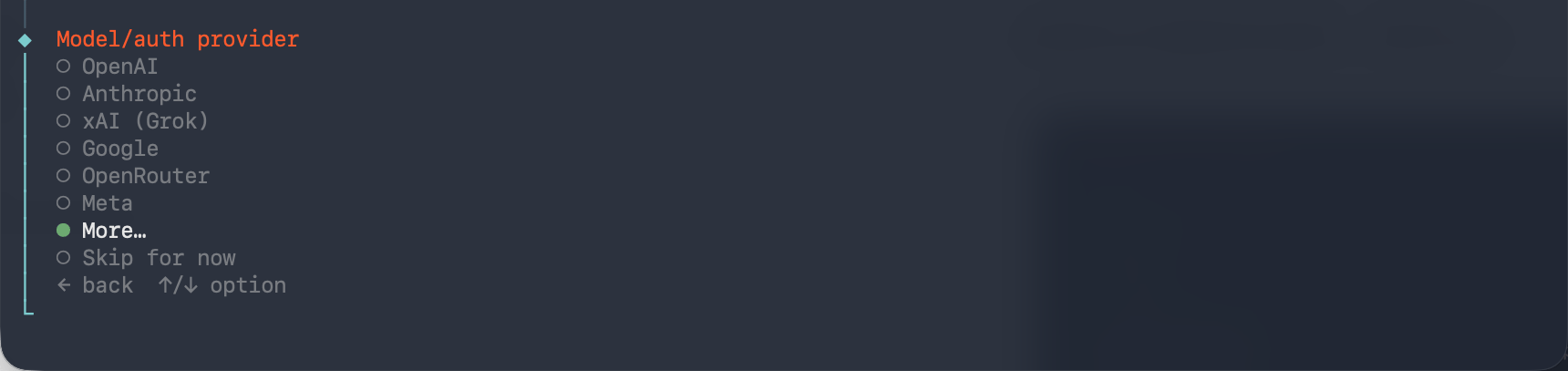
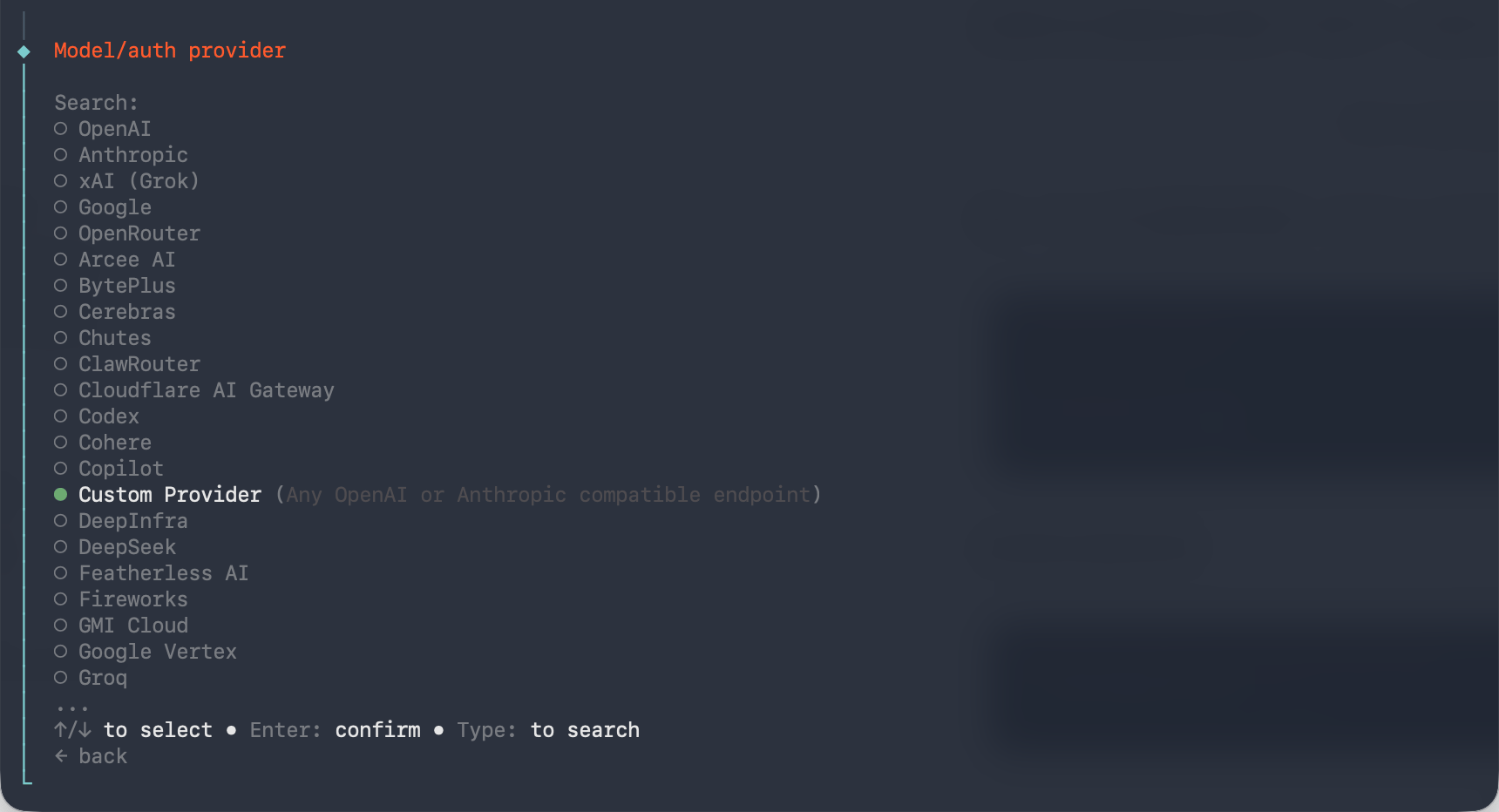
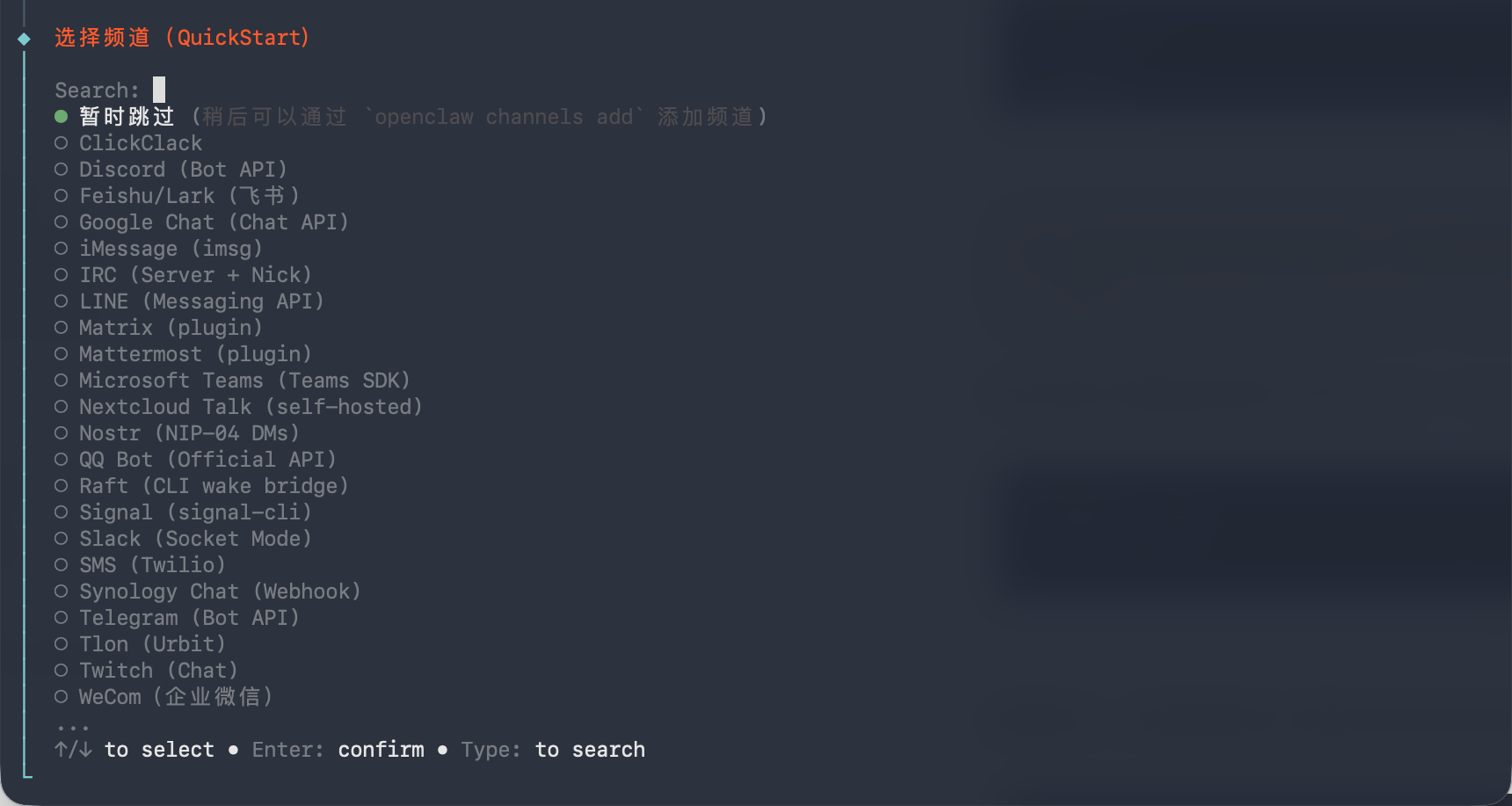
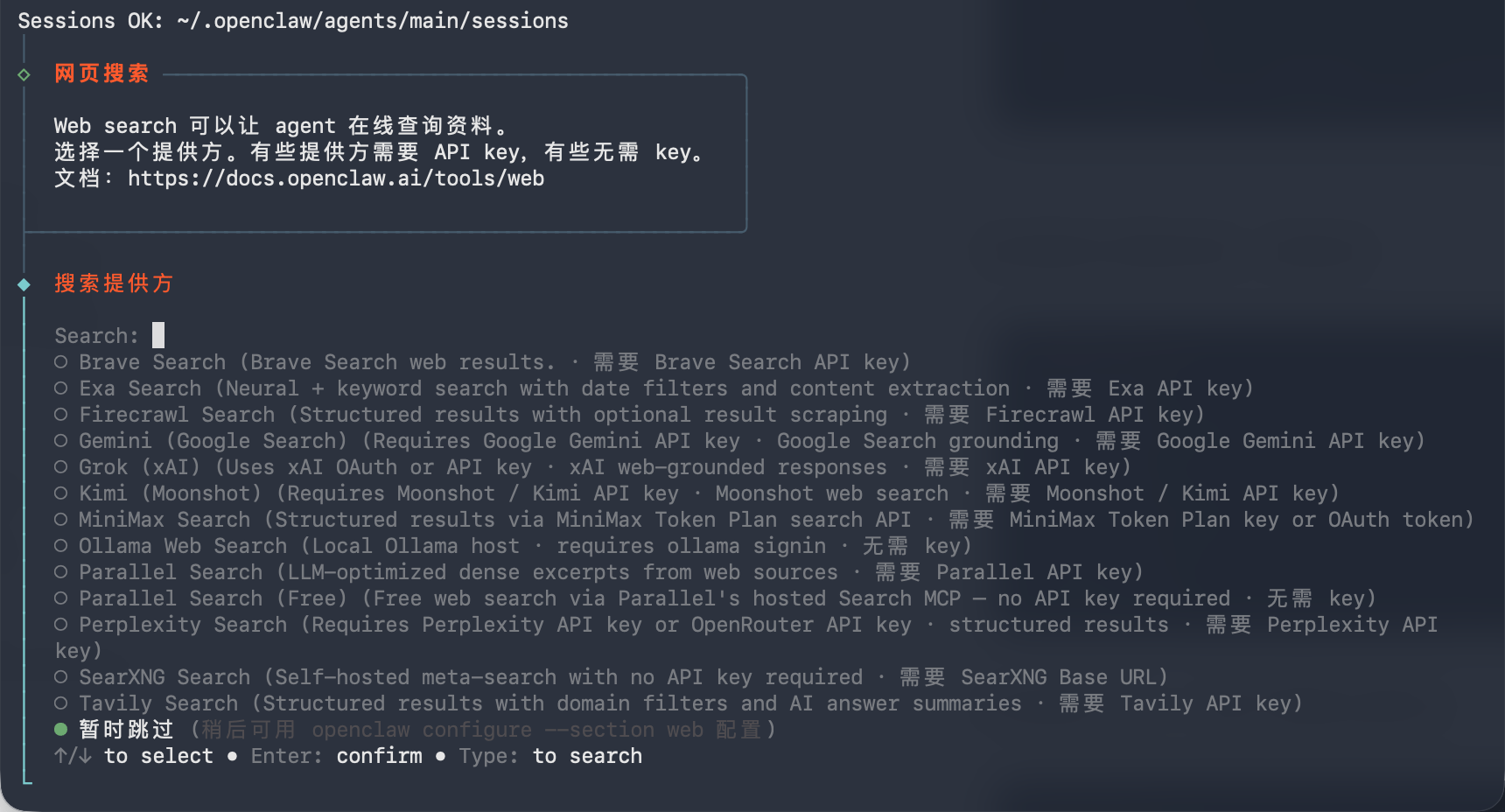
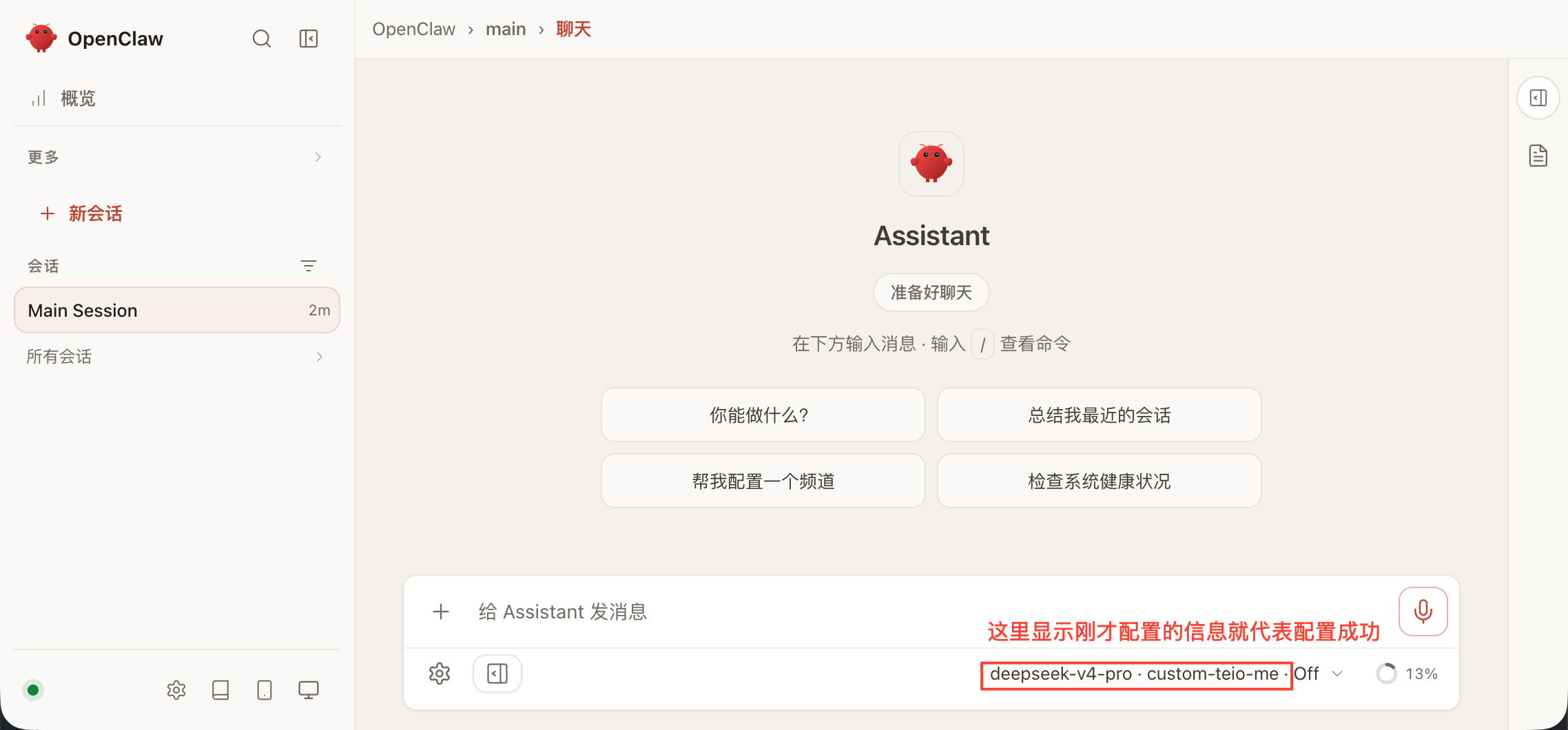
配置
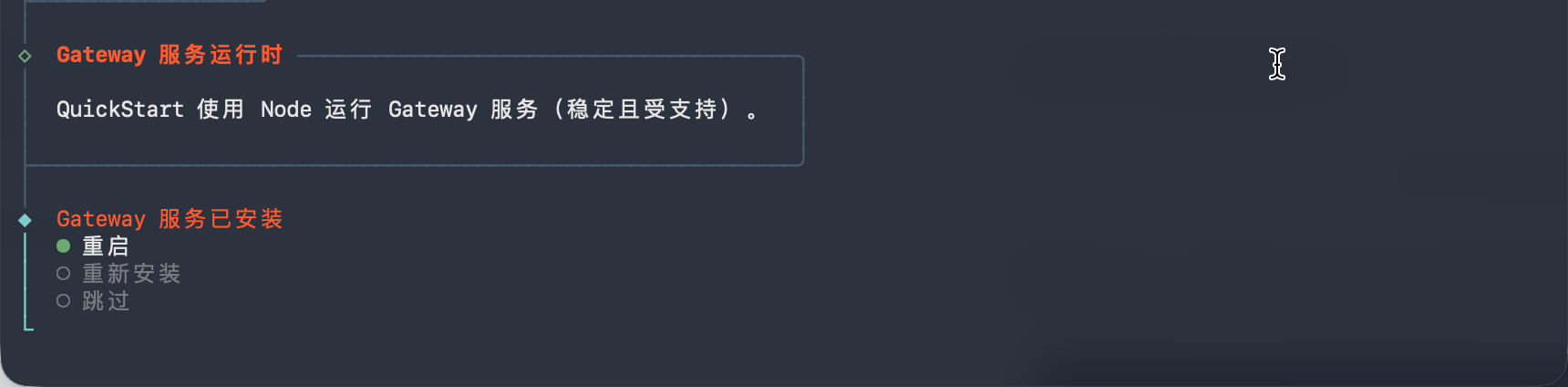
安装完成后,在终端运行:



https://teio.me/v1


你的密钥


claude-opus-4-6


常见问题
Cannot find module '@larksuiteoapi/node-sdk'
这是 npm 旧版本的依赖解析问题,按以下步骤修复:
- 安装最新 LTS 版本的 Node.js
- 删除本地 npm 缓存:
- macOS / Linux:
rm -rf ~/.npm - Windows:
rd /s /q %AppData%\npm-cache
- macOS / Linux:
- 卸载 openclaw:
npm uninstall -g openclaw - 重新安装 openclaw:
npm install -g openclaw
npm install -g openclaw@2026.4.8 版本2026.4.22 已经修复这个问题Context limit exceeded. I've reset our conversation to start fresh - please try again
Context limit exceeded. I've reset our conversation to start fresh - please try again
这是因为模型的上下文窗口和最大 token 数配置太小了,需要手动调大。分三步:第一步:修改 第二步:修改 第三步:重启服务版本2026.4.22 已经修复这个问题。不过还是要调整模型上下文窗口和最大 token 数
~/.openclaw/openclaw.json在 agents 下添加 compaction 配置,并在 models 中调大上下文和 token 限制:~/.openclaw/agents/main/agent/models.json同样调大对应模型的上下文和 token 限制: